



|

> Computer Vision > Mobile Development > Chess Analysis
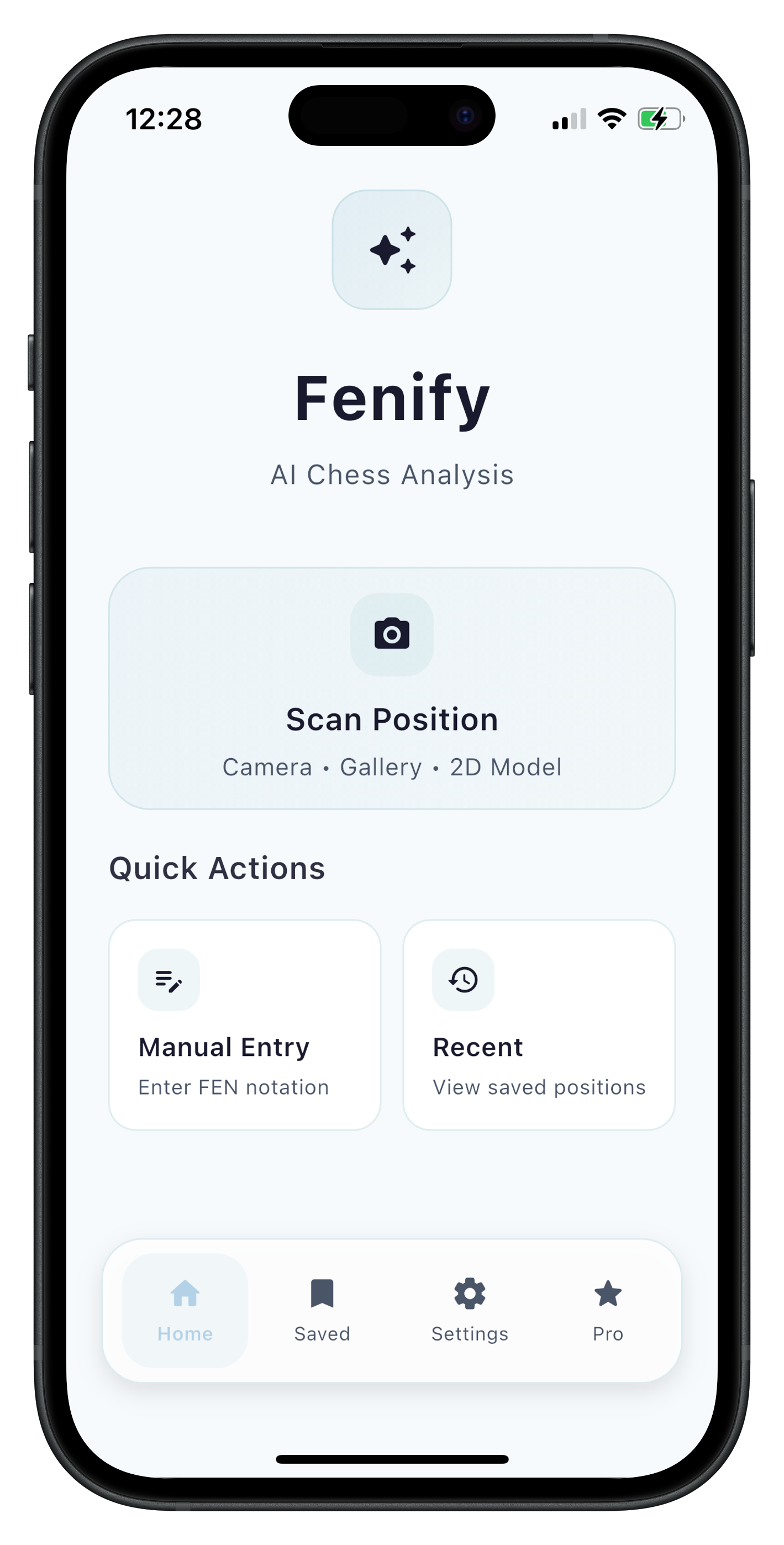
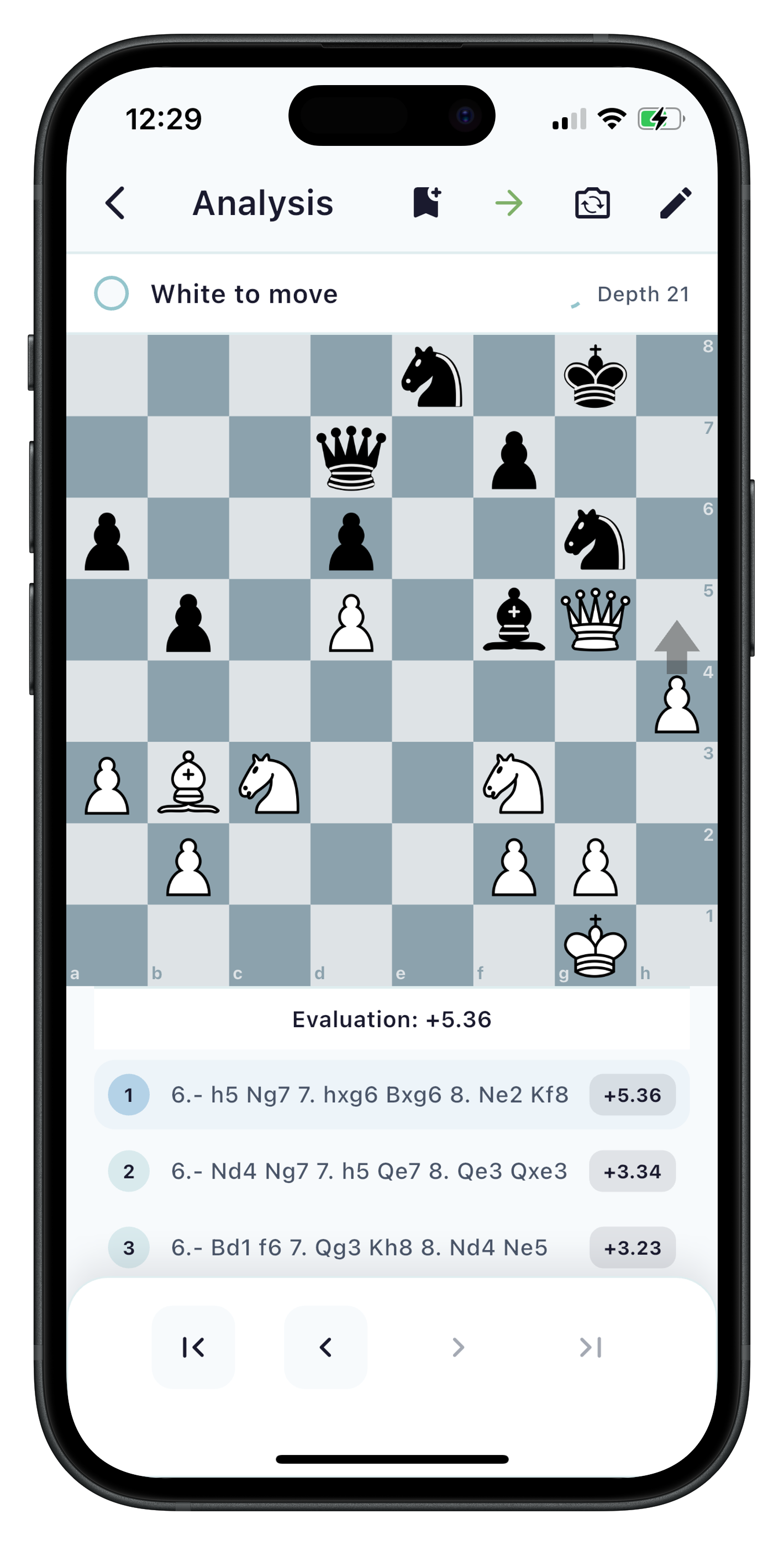
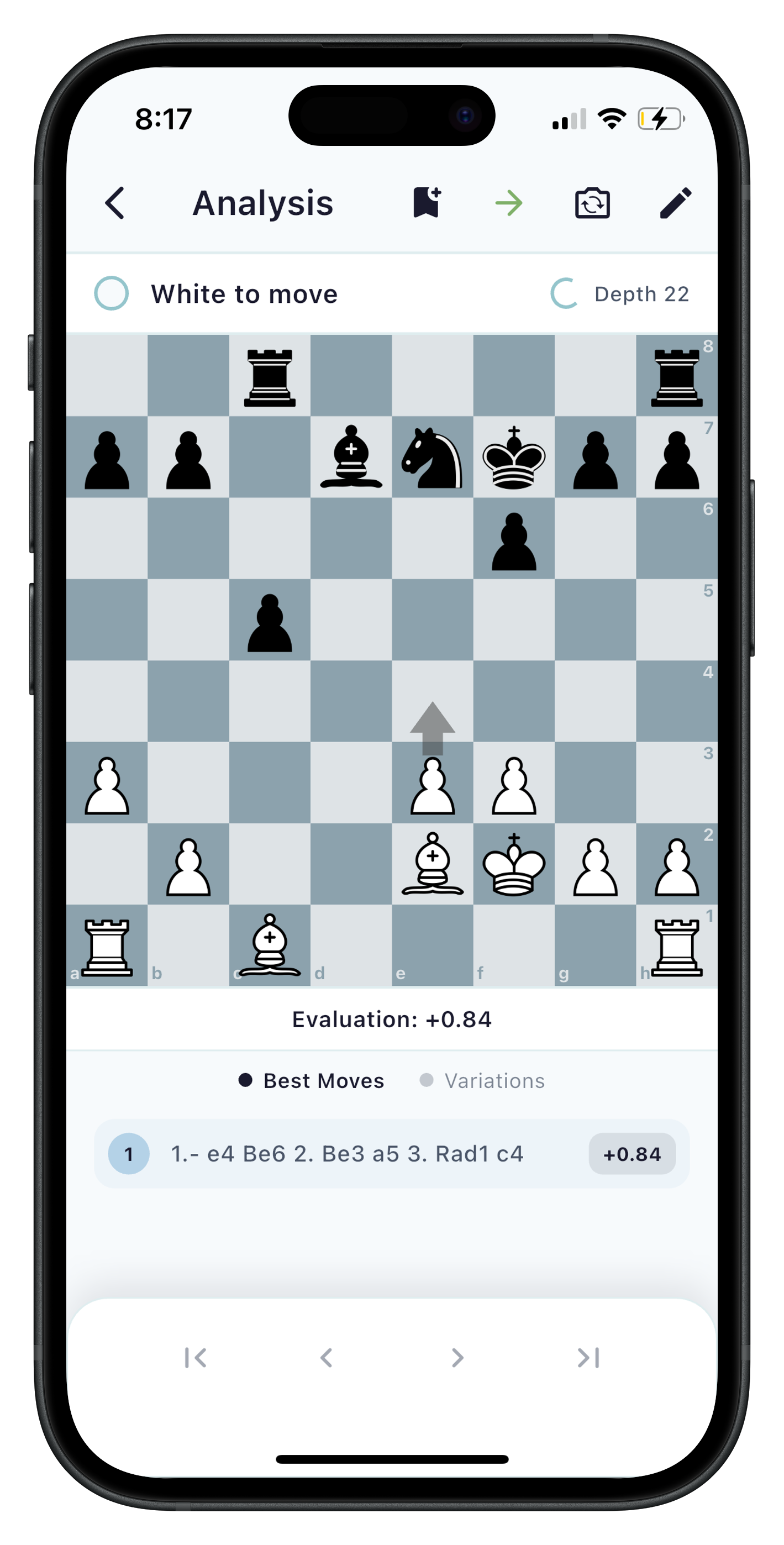
Fenify App Overview Fenify App Interface Fenify Analysis Screen

Project Overview

Fenify is a mobile chess analysis app that uses computer vision to convert 2D & 3D chess board photos into interactive positions for analysis with the Stockfish engine. The app works offline and allows users to screenshot chess positions and analyze them in real-time.

I created Fenify after finding myself frequently hoping to analyze chess positions from youtube videos, instagram posts, and primarily, my own online games.


Technologies & Tools

Dart / Flutter Toolkit
Swift
TensorFlow Lite
OpenCV
Stockfish
DartChess
iOS Development
Machine Learning

How It Works

1

Capture

Upload any 2D or 3D chess board image from videos, streams, or online games.


Key Features

Computer Vision
Board detection with automatic perspective correction and cropping.
Piece Recognition
Custom TensorFlow Lite model with 13 classes for accurate on-device piece classification.
Stockfish Integration
Full Stockfish 17 engine running in isolated threads with real-time position evaluation.
Offline Functionality
Reliability offline with all processing happening locally.
Position Editing
Interactive board editor with tap-and-drop piece placement and comprehensive validation.
Analysis Tools
Multi-PV analysis showing top moves with evaluations and move navigation through game history.

Machine Learning Pipeline

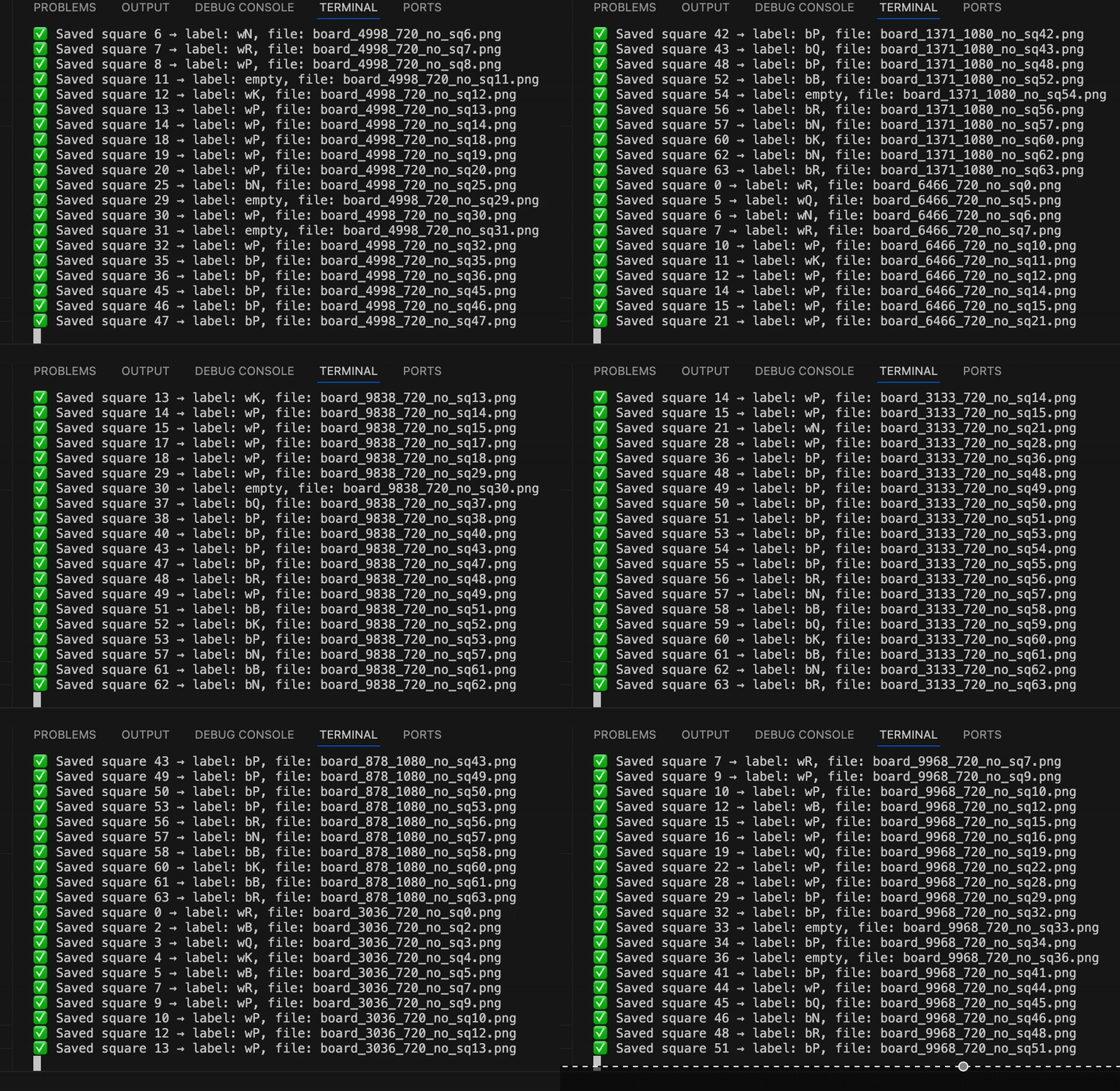
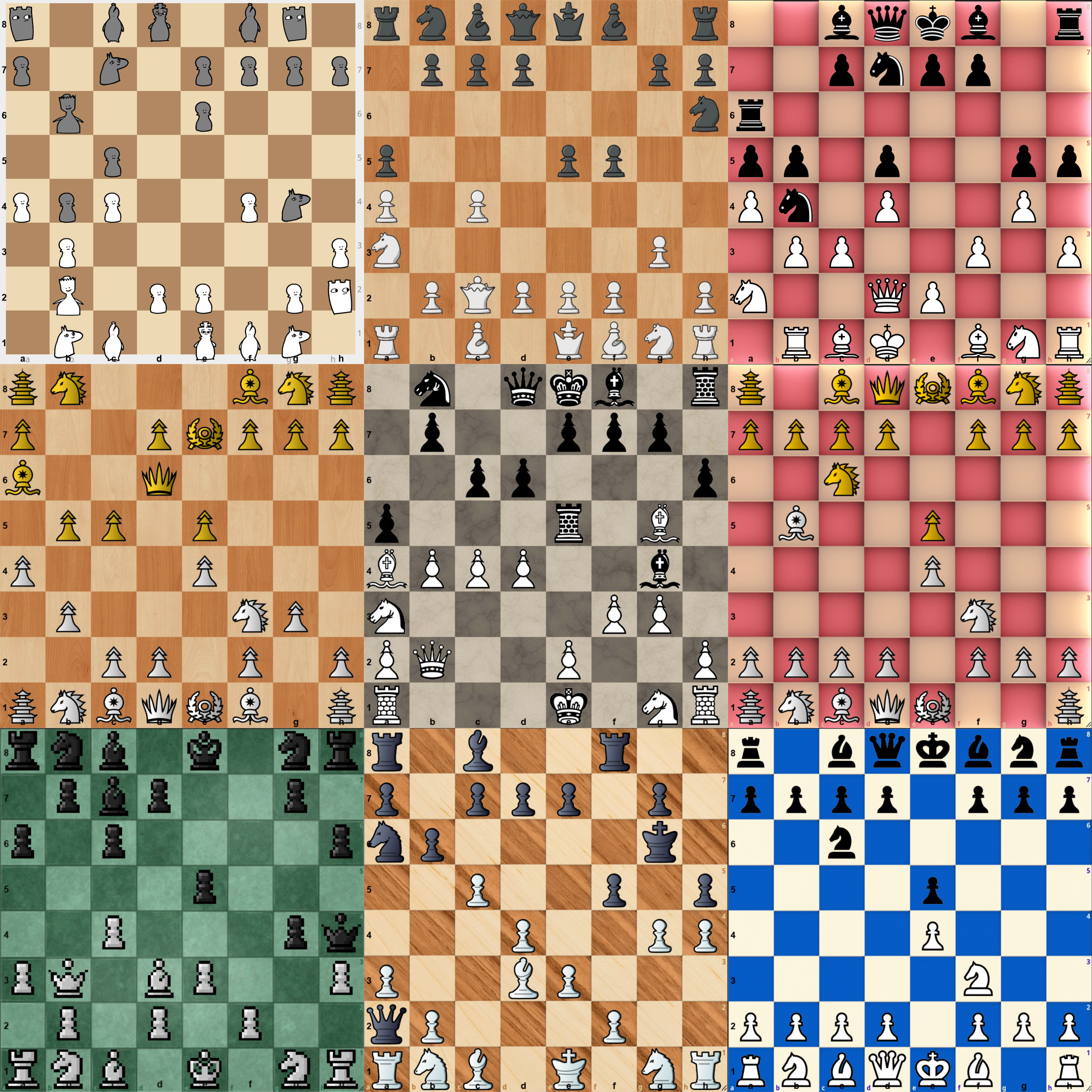
In order for Fenify to achieve its objective, I had to build a machine learning model to classify each square on the board into one of 13 classes. This included:

Machine Learning Pipeline Generated Chess boards

Technical Challenges & Solutions

Future Development

Planned Features

  • PGN Scan from over-the-board games
  • Opening Database for practice and training
  • Improved, custom built 3D piece recognition model

Still in progress

  • App Store submission and optimization
  • Improvements to 2D Scan preprocessing
  • Integration with popular chess platforms